Schedule your Stories directly!
Instagram Stories have taken an important place in the hearts of users, who are now looking for spontaneity and authenticity!
Posting Instagram Stories is therefore essential to boost your visibility and convert afterwards.
After simple images, carousels and Reels, the Instagram API now lets us offer you direct scheduling!
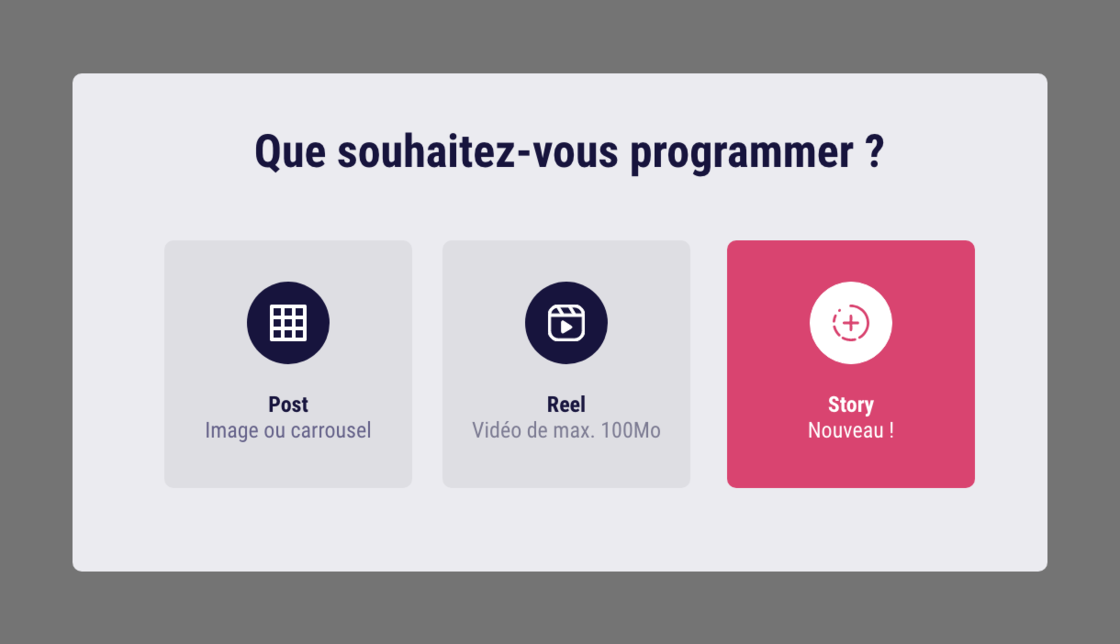
How does it work?
- Select the Instagram profile you want to publish on;
- Click the "Schedule" tab, then choose "Story";
- Import the image or video you want;
- Pick the time and the day, then schedule your Story;
- And that's it! You can finally log off completely, we take care of the rest!
A few extra details:
- The API does not (yet) let us add text or stickers directly on a scheduled Story. In that case, the previous system, which requires a manual action, stays available
- If you need to, you can add text to your Stories with our image editor, Swello Pixel (we have just added Instagram's colour codes and typefaces to the tool!)
- You can only schedule one Story per minute.
Analyze your Stories statistics
Tracking the statistics of your publications is great; analysing the data of your Instagram Stories is even better!
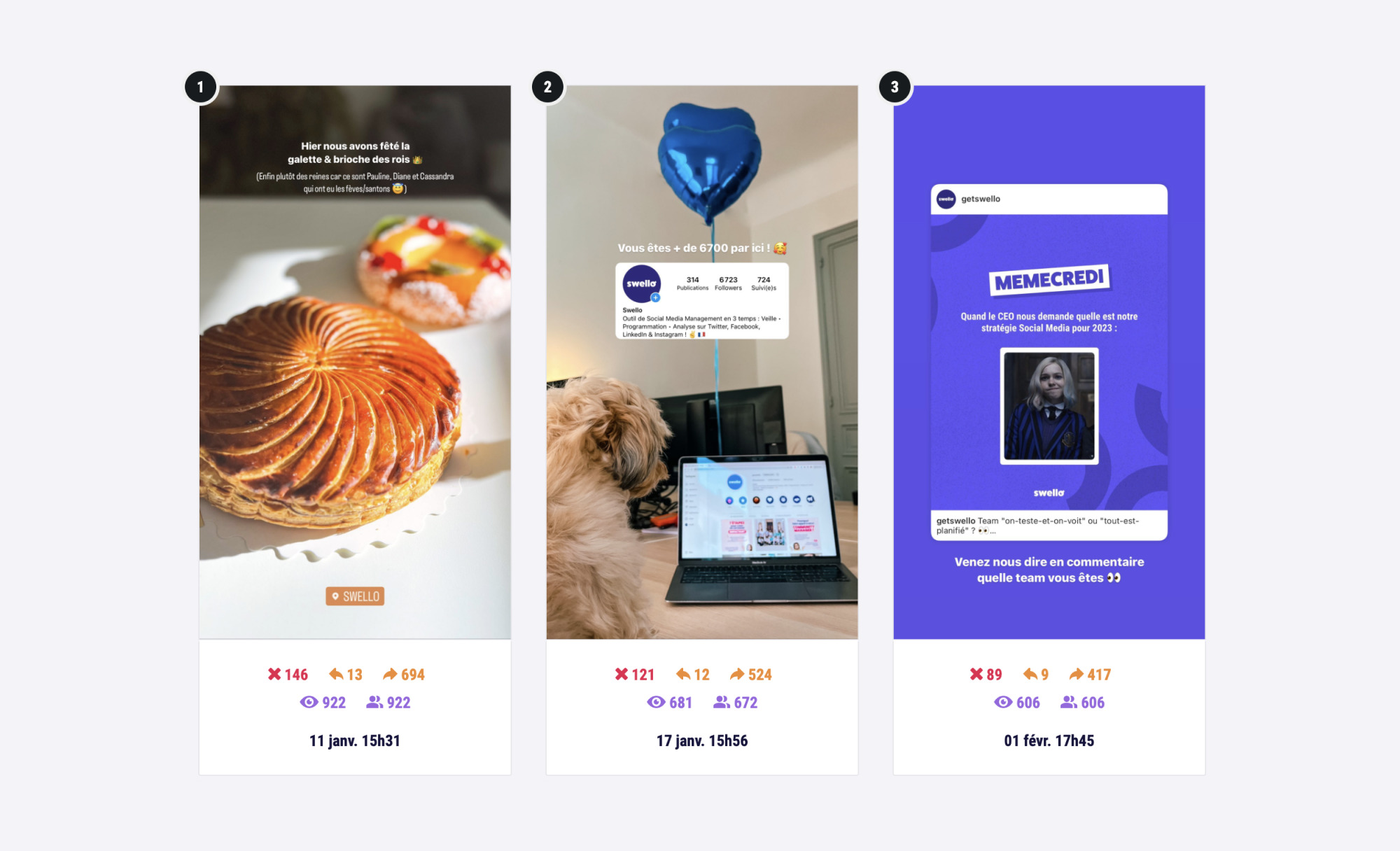
In the "Stories" tab you get a summary of the number of drop-offs, impressions, people reached, the total of published Stories and the number of people who moved to the previous/next Story.
 Scheduling
Schedule your posts on your social networks
Scheduling
Schedule your posts on your social networks
 Team management
Collaborate with your team
Team management
Collaborate with your team
 Monitoring Dashboard
Stay informed about news in your industry
Monitoring Dashboard
Stay informed about news in your industry
 Inbox
Manage all your comments
Inbox
Manage all your comments