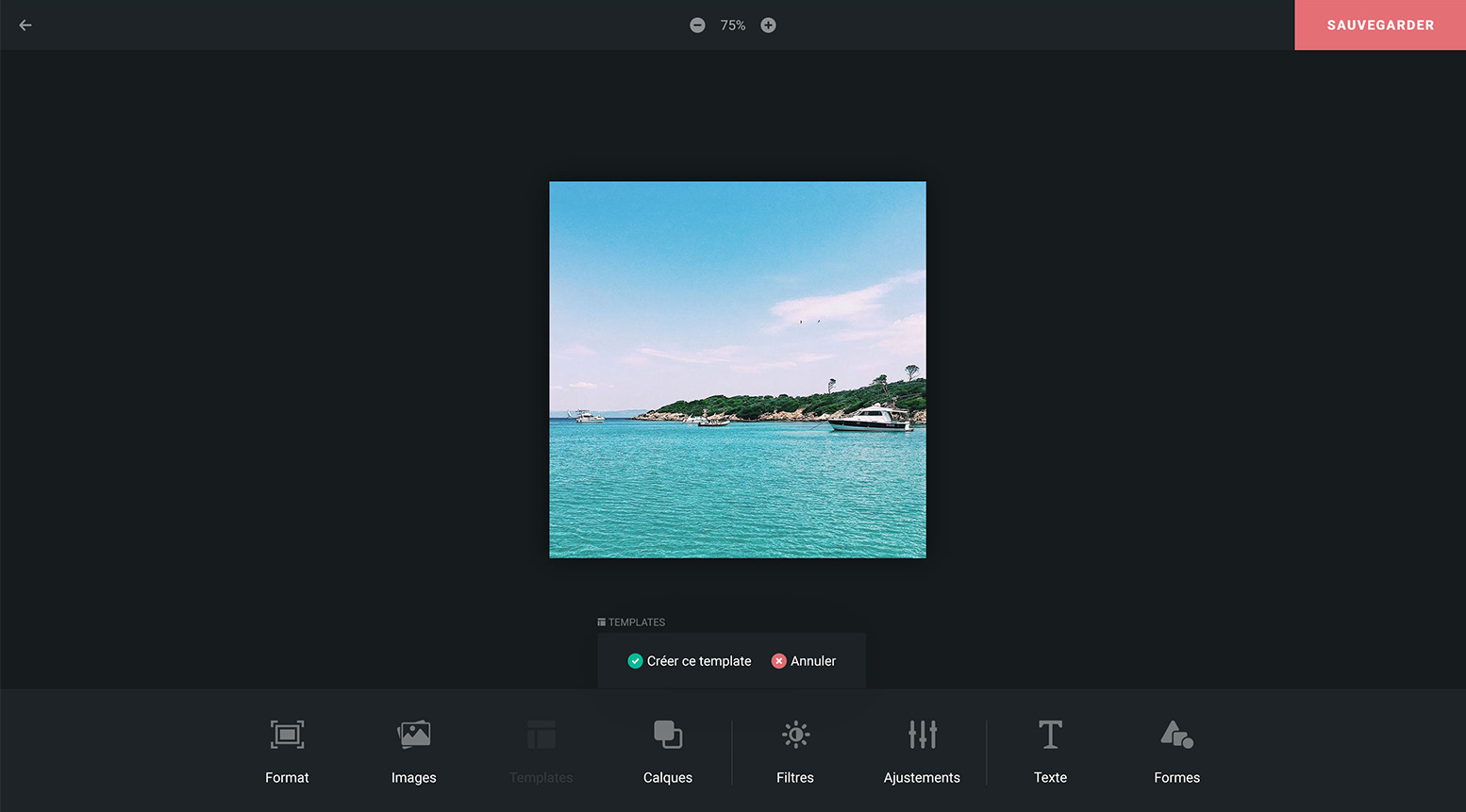
Swello Pixel lets you create your finest images straight from our platform
Gone are the days when you would search Google for the size of your visual, then open Photoshop to create it! Swello Pixel lets you create quality visuals adapted to social media thanks to the tools and image banks on offer. Boost your e-branding too by adding your logo to your images or by creating templates that are saved automatically on your Swello account.
One more thing: you can save your creations in your shared library, so your whole team can find and re-use them easily.
Discover more than 10 features designed for communicators
 Scheduling
Schedule your posts on your social networks
Scheduling
Schedule your posts on your social networks
 Team management
Collaborate with your team
Team management
Collaborate with your team
 Monitoring Dashboard
Stay informed about news in your industry
Monitoring Dashboard
Stay informed about news in your industry
 Inbox
Manage all your comments
Inbox
Manage all your comments